Deleting Files
From Drive
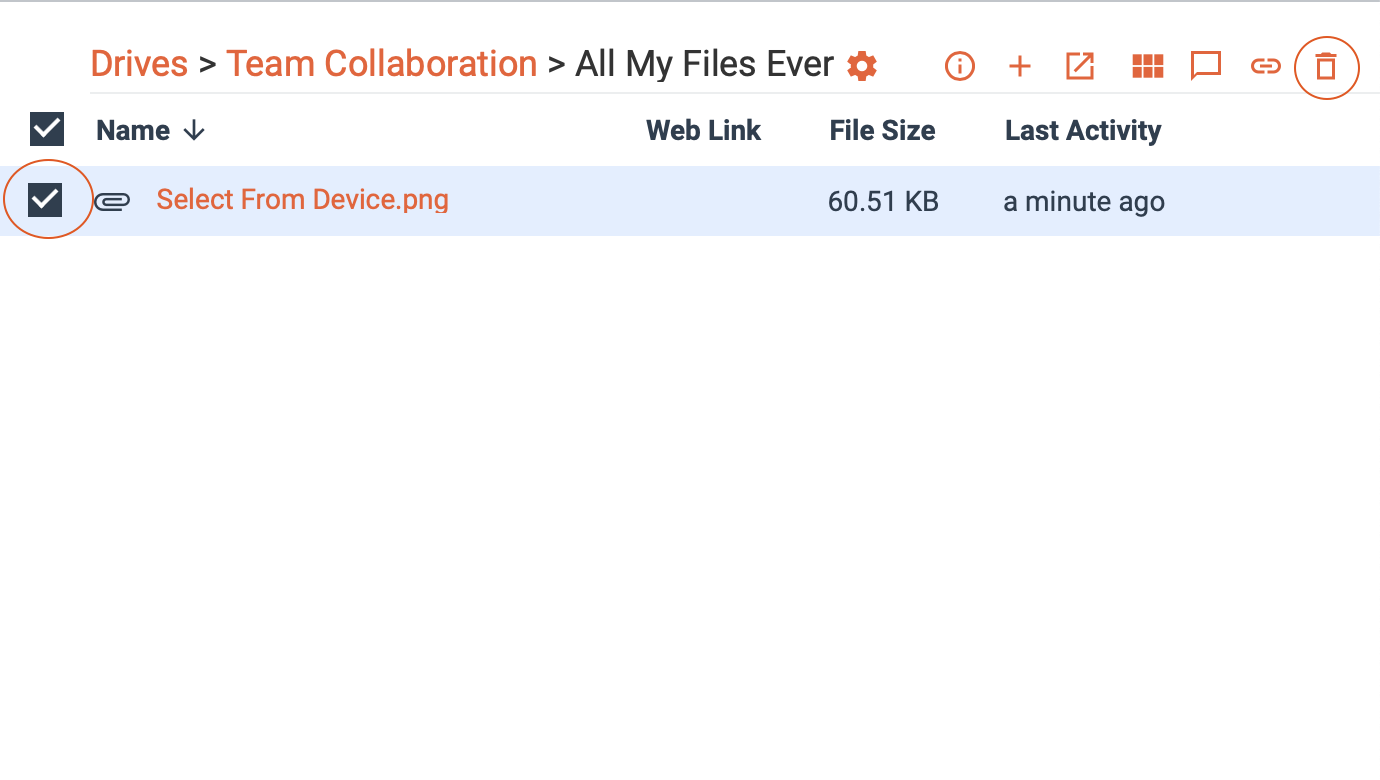
Select the file you want to delete by clicking the checkbox on the side of the file. Then, select the trash icon in the upper righthand corner.
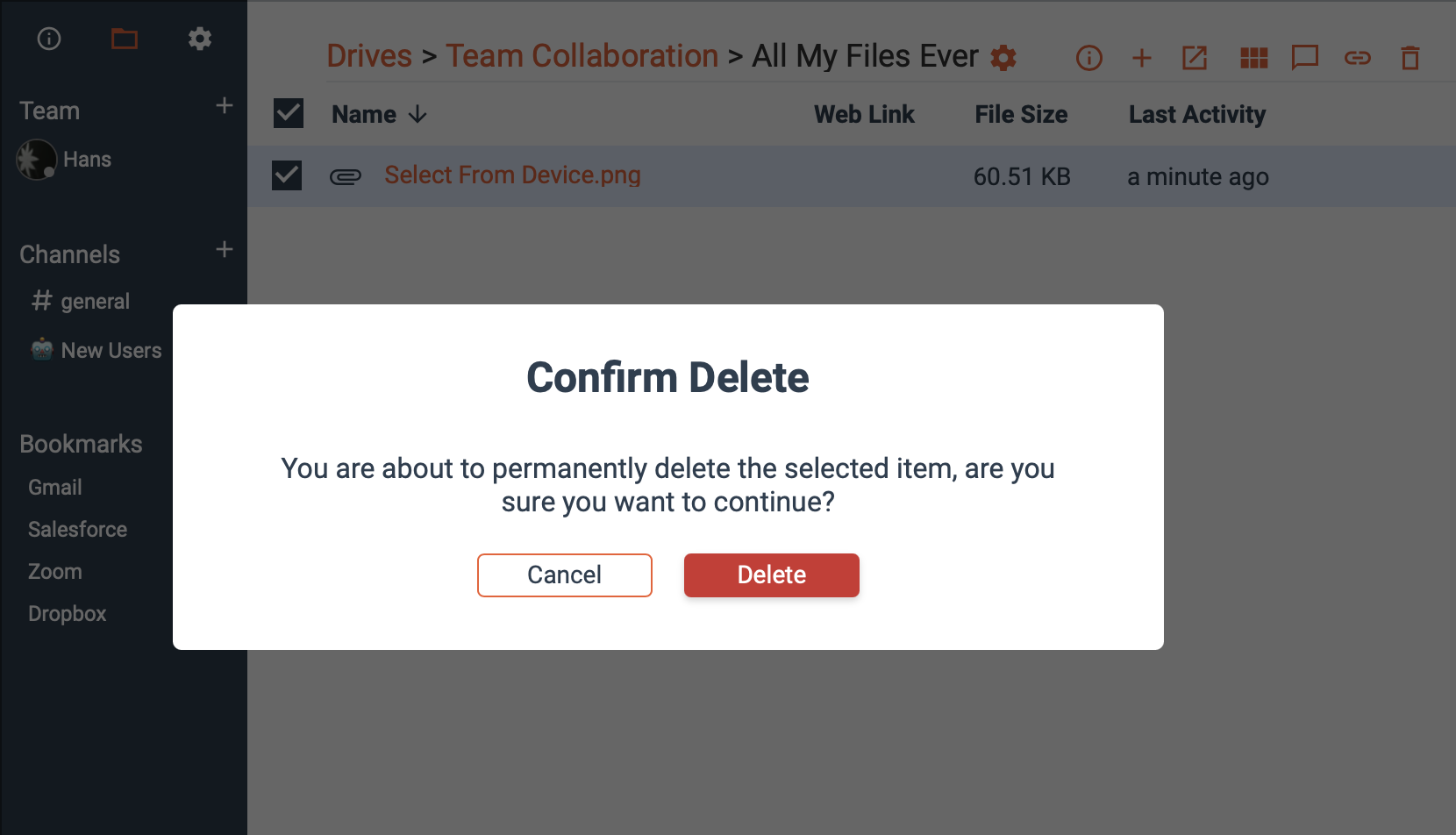
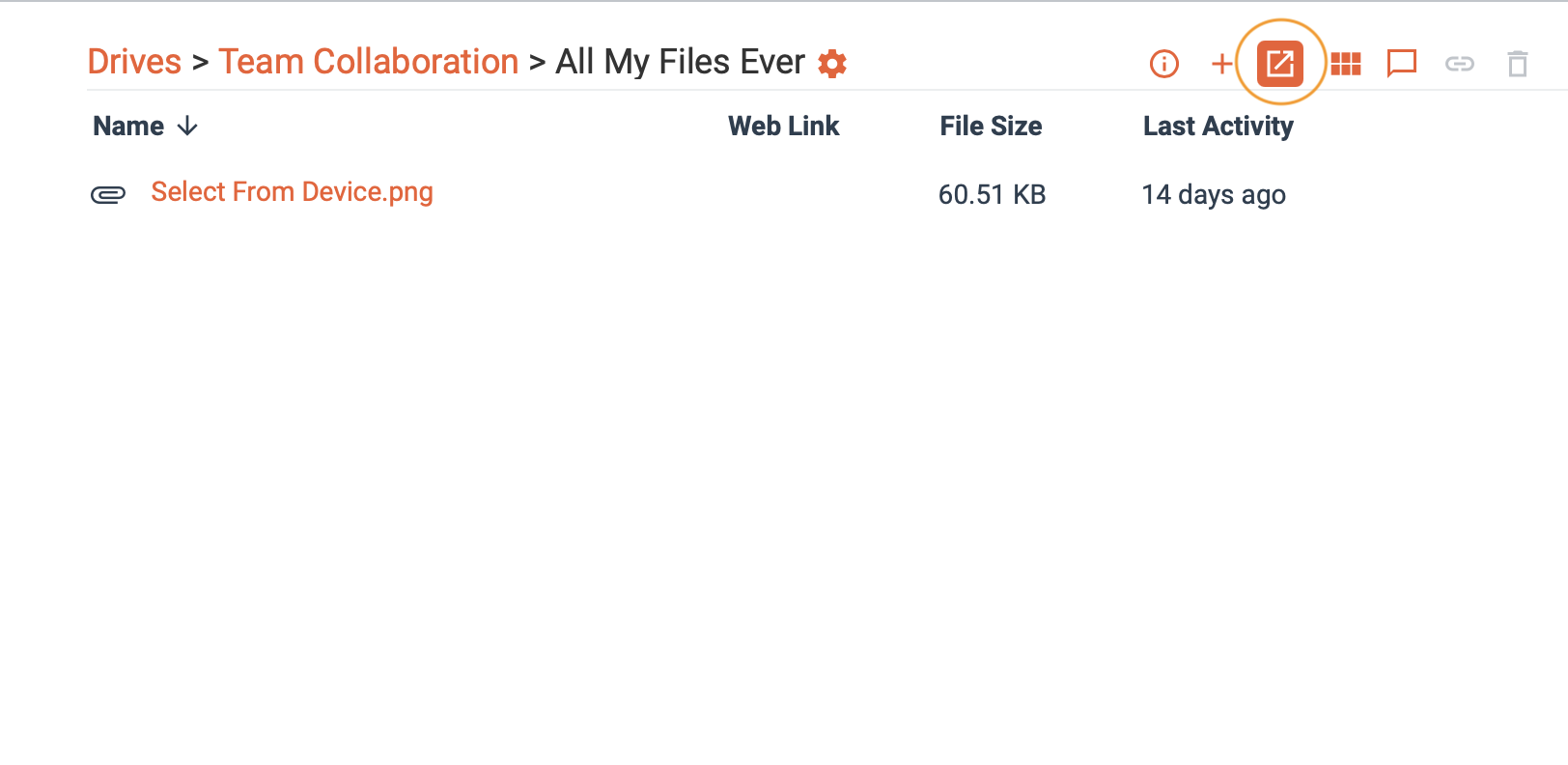
Confirm delete either within Diode Collab, or via your Explorer/Finder.
Diode Collab:
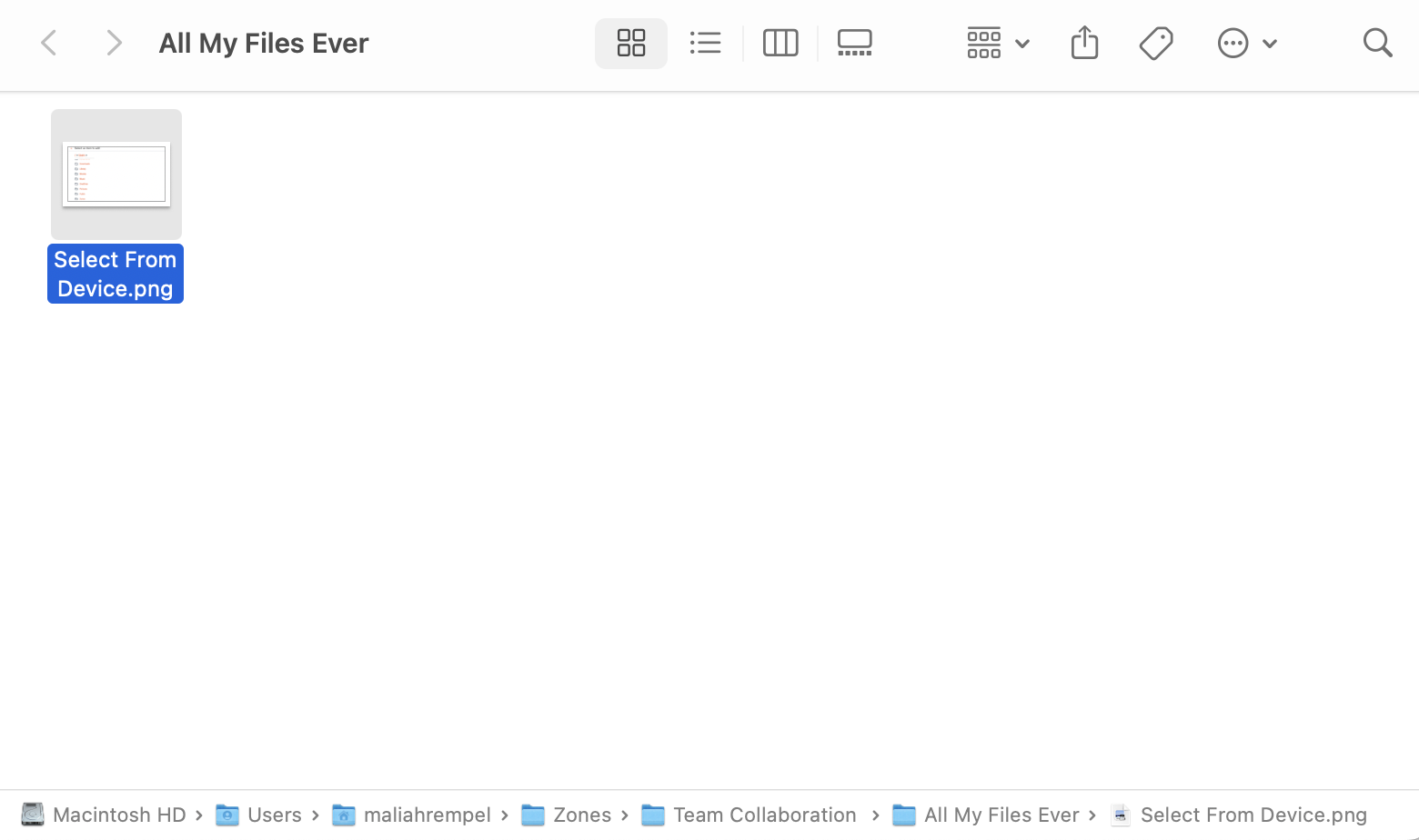
Finder/Explorer:
From Device
Deleting something from Diode Collab will not delete it if you have it downloaded on your device as well, you must manually go into your device to delete files otherwise in your Finder/Explorer.